Codes
Mimic the Voice codes still have no public strings. Learn group shout hunting, redeem steps, and why event free Rewards are not codes.
View all CodesRoblox codes, mic guides, and voice-party tips.
Unofficial Mimic the Voice Roblox wiki covering codes, Voice Chat setup, badges, cosmetics, and proven win strategies for every session.
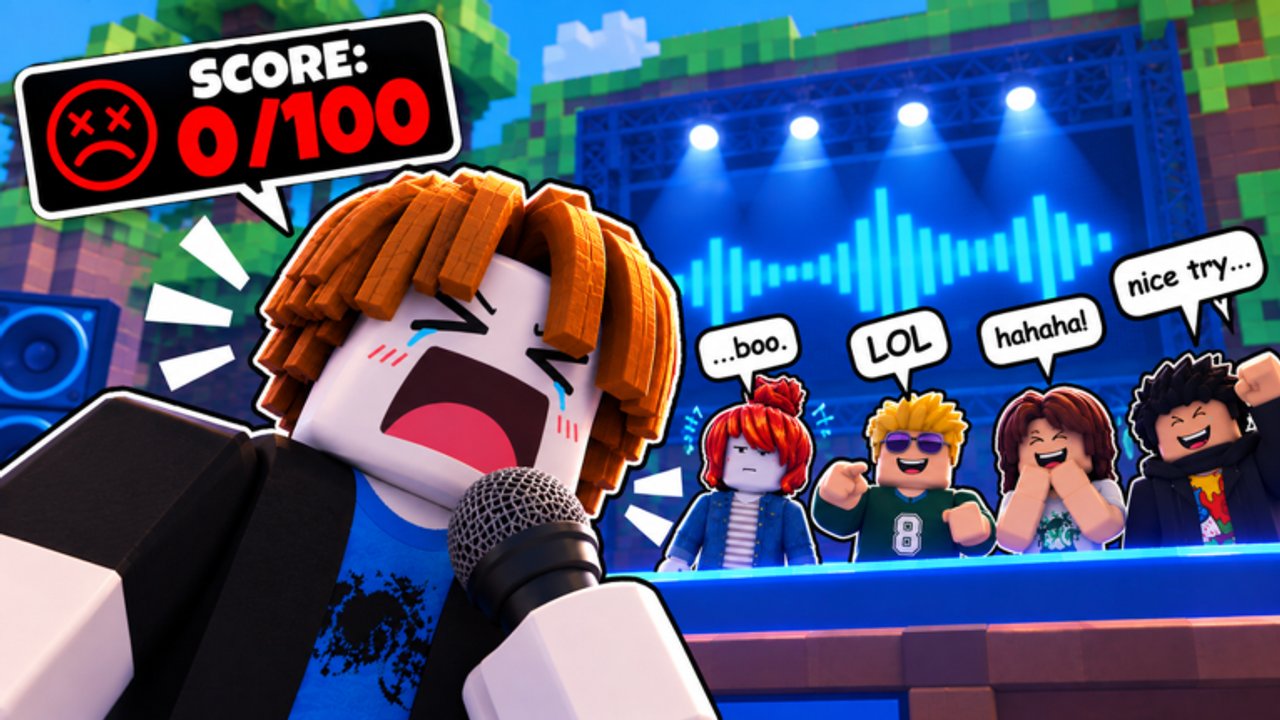
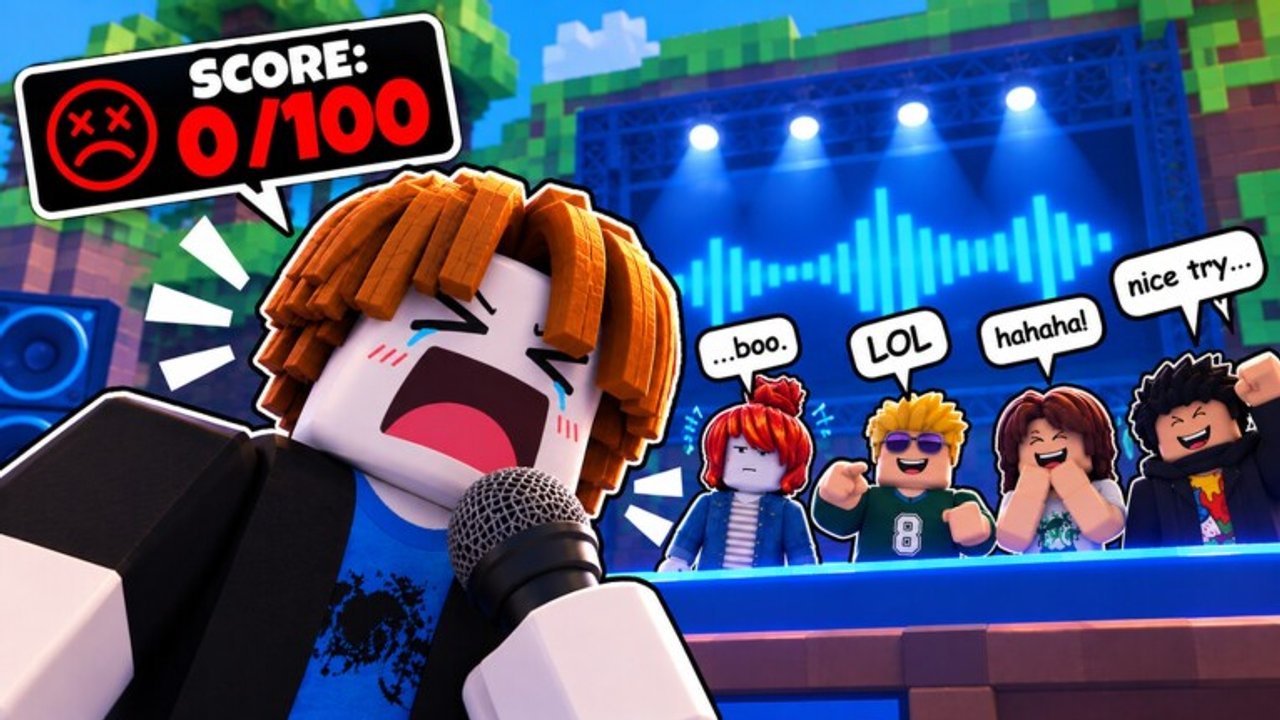
Mimic the Voice is a Roblox party minigame where you hear a sound, recreate it with your microphone, and survive player ratings until one performer remains. Voice Chat is required. The live QOL + MORE event (Sep 20–27) adds NEW SKINS, NEW SOUNDS, and owner-server tools. Start with How to Play, claim daily rewards, check codes, then chase badges and cosmetics.
Mimic the Voice codes still have no public strings. Learn group shout hunting, redeem steps, and why event free Rewards are not codes.
View all CodesBrowse every Mimic the Voice Roblox guide in one hub: how to play, Voice Chat, mic setup, owner servers, lookalikes, and win tips.
View all GuidesMimic the Voice tier list hub ranks voice effects and cosmetics from Party, Chaos, and VIP packs for flex value and funny lobby moments.
View all Tier ListMimic the Voice players hub with all 18 badges, Living Legend still at 0 awards, cosmetics, daily rewards, and full progression tips.
View all PlayersMimic the Voice Updates Hub: Aug 2026 launch, badge waves, and the active QOL + MORE event (NEW SKINS, NEW SOUNDS) through Sep 27.
View all UpdatesMimic the Voice scripts hub explains why no dedicated public scripts exist yet, warns about The Mimic confusion, and points to safer play.
View all ScriptsOfficial Mimic the Voice links: Roblox game, uhh group name, Flameyz, plus disambiguation from The Mimic, Make That Sound, and more.
View all LinksVerify your age on Roblox, turn on Voice Chat in privacy settings, then follow our Voice Chat guide so you can compete.
Pick the right input device, use headphones, and earn the Mic Ready badge with the mic setup checklist.
Hear the cue, mimic pitch and rhythm on stage, then survive elimination — full walkthrough in How to Play. Trying a friends night? Skim owner servers after basics.
Grab daily rewards and any event free Rewards in the lobby. Real promo codes only appear on the Codes Hub after the group shout posts a verified string.
Track every badge on the Players Hub and badges pages, then browse cosmetics for QOL NEW SKINS and game passes.
Quick answers to the most common questions.
No. Mimic the Voice is a voice-party minigame. The Mimic is a separate horror experience. Start with our How to Play guide for the correct game.
Yes. Voice Chat is required to compete. Follow the Voice Chat setup guide if the mic icon never appears.
Still none publicly confirmed. Developers post codes in the official Roblox group when they exist. Check the Codes Hub—event free Rewards are lobby claims, not invented strings.
This wiki supports: English, Français, Deutsch, Español, Português (BR). Use the language switcher in the header to change locales anytime.
Match pitch contour and rhythm, keep volume steady, and manage star ratings. See How to Win. Avoid star-rigged owner servers when farming fair badges.
Compare VIP and voice packs on the game passes page and the voice packs tier breakdown. Audit cosmetics after QOL + MORE NEW SKINS.
Set up Voice Chat, dial in your mic, then climb win streaks and badges. Start with How to Play, skim owner servers, or jump into codes and the tier list.
Open How to Play