Mimic the Voice Style Menu Cosmetics Guide
Titles, trails, mic skins, and voice effects—including how to audit NEW SKINS after QOL + MORE.
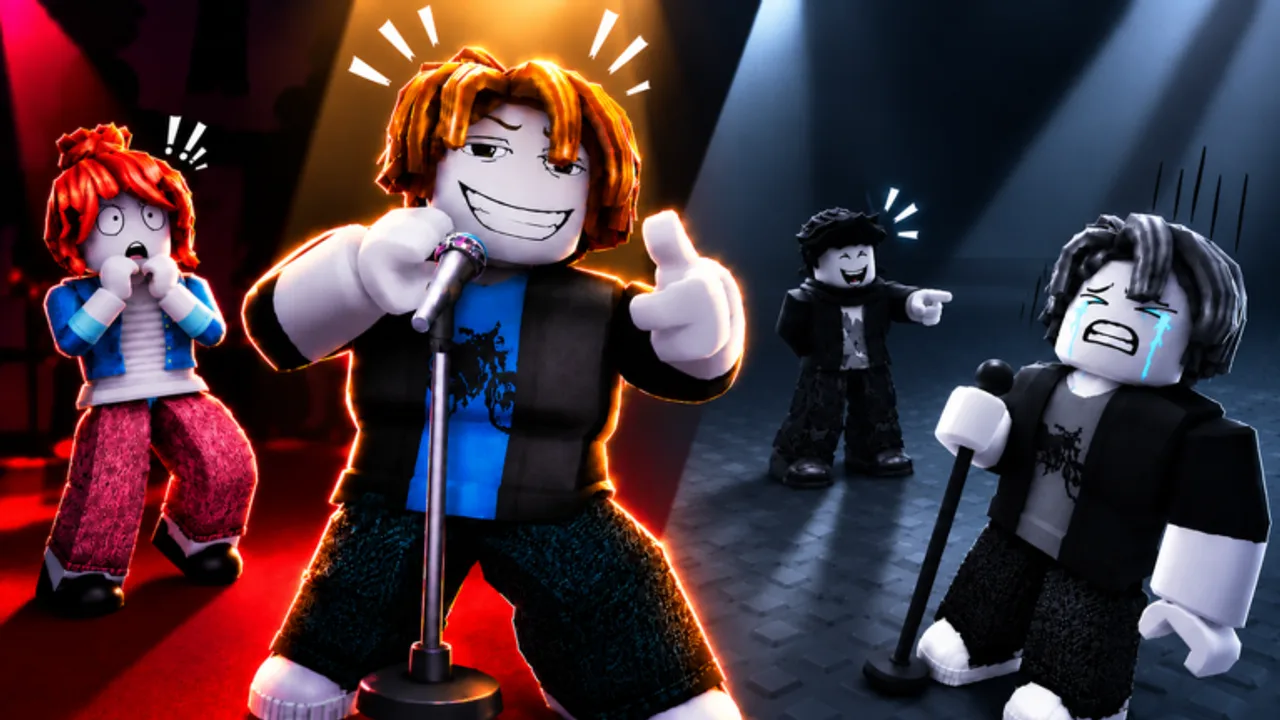
What the Style menu is for
Mimic the Voice sells the fantasy of a tiny stage. Between rounds you are not only warming up your voice—you are also showing off. The Style menu is where titles, trails, mic skins, and voice effects live. This page explains how those cosmetics work, how they connect to badges, and how to unlock a fuller closet without falling for fake unlocker scripts.
For the complete badge spreadsheet, return to the Players Hub or the dedicated badges page. For Robux passes that feed Style identity, open the game passes guide and the voice packs deep dive. Rankings by fun and flex sit on the Tier List Hub.
QOL + MORE — NEW SKINS (Sep 20–27, 2026)
The official Roblox event UPDATE: QOL + MORE (active 20–27 September 2026) lists NEW SKINS as a headline bullet beside NEW SOUNDS and QOL FEATURES. Full details live on the QOL + MORE update page.
Important honesty rule: the public event card does not publish a complete skin name list. Do not trust random TikTok grids that invent labels. Verify in your own Style menu.
Style audit after the update
- Join Mimic the Voice on a fresh server during the event window.
- Open Style and scan titles, trails, mic skins, and any new tabs or “new” markers.
- Write down (or screenshot) every item you do not recognize from pre–Sep 20 play.
- Check owned vs locked counts toward Dressed Up (5) and Wardrobe (15).
- Equip one new piece at a time so you can judge silhouette on stage and in clips.
- Revisit the Tier List Hub once you have seen the real items—flex tiers should follow eyes-on review, not rumor.
Event free Rewards may grant currency or cosmetics through lobby claims. Those are not the same as group promo codes unless a shout posts a redeemable string—see Codes Hub and daily rewards.
Owner servers can jumpscare and rig stars for comedy, but they do not replace Style ownership. Hosting tips: owner servers.
Cosmetic categories
Titles
Titles ride along your nameplate. They are the cheapest way to signal status while you wait for your turn. VIP Title comes with the VIP pass. Other titles arrive through play rewards, milestone drops, event free Rewards, or shop rotations. Equip a title you can live with—crowds read it during voting pauses.
Trails
Trails follow your avatar in the lobby and as you approach the stage. VIP Trail is the premium always-on flex from VIP. Earnable trails often celebrate win tiers or event moments. Because trails remain visible when you are silent, they outperform mic skins for “AFK flex” between cues.
Mic skins
Mic skins change the prop you perform on. They matter most during your turn when cameras (and attention) swing your way. If you create clips or thumbnails, a distinct mic skin reads better than a default stick mic. QOL + MORE explicitly markets NEW SKINS—expect the mic row to be the first place players look after the Sep 20 publish.
Voice effects
Voice effects alter how your microphone sounds to the server. Two paid packs unlock named effect sets:
- Party Voices Pack (149 Robux): Chipmunk, Deep, Robot, Cave, Radio
- Chaos Voices Pack (299 Robux): Demon, Alien, Underwater, Broken Speaker, Echo Chamber
These are cosmetics and toys. They can entertain voters or muddy scoring. Competitive badge hunters should toggle them off while chasing Spot On, Pitch Perfect, and Encore—see how to win.
Free or earnable effects may also appear in Style over time; always trust the live menu over outdated screenshots. External soundboards are a separate ethics topic—read soundboard ethics before stacking tools on top of Style FX.
Dressed Up and Wardrobe badges
Two collection badges sit at the end of the official badge list:
| Badge | Requirement | Tips |
|---|---|---|
| Dressed Up | Own 5 cosmetics from the Style menu | Easy with early earnables + one pass cosmetic set + event skins |
| Wardrobe | Own 15 cosmetics | Needs intentional grinding, event Rewards, and/or multiple purchases |
Official descriptions: Dressed Up — “Own 5 cosmetics from the Style menu.” Wardrobe — “Own 15 cosmetics. A full closet.” Track progress alongside the rest of the set on badges.
What counts as “own”?
Ownership is tracked inside Style. Equipping is not the same as owning—you can only equip what you already unlocked. Pass-granted titles, trails, and effect slots typically count once unlocked on the account. If a new QOL skin does not increment your badge progress, re-open Style, confirm it shows as owned, and finish another round to force a progress refresh.
Because Flameyz can change catalog structure, treat 15 unique owned entries as the practical Wardrobe target and verify against your in-game counter when one exists.
Efficient path to 5 (Dressed Up)
- Claim onboarding / early play rewards.
- Redeem active group codes from the Codes Hub if any are verified (none public yet).
- Claim daily rewards and any QOL + MORE free Rewards that grant Style items.
- Pick up at least one visible earnable trail, title, or new skin from normal wins.
- Optionally buy VIP for title + trail in one purchase, or Party Voices if you prefer audible cosmetics.
- Confirm five owned rows in Style.
Efficient path to 15 (Wardrobe)
- Keep the Regular daily streak alive for long-tail rewards.
- Use VIP 2x Money to accelerate earnable shop cosmetics (game passes).
- Audit Style after QOL + MORE so you do not miss NEW SKINS sitting unlocked.
- Add Party and/or Chaos when you want effect variety and additional owned FX entries.
- Avoid duplicate spending on items you already own.
- Track progress weekly; Wardrobe is a collection marathon, not a single match quest.
How cosmetics interact with gameplay
Cosmetics do not replace pitch accuracy. A Demon effect will not save a missed rhythm. Star voters might upvote a funny Radio bit or downvote unintelligible Underwater noise—social scoring is real. On owner servers where hosts rig stars, cosmetics become pure spectacle; for honest Crowd Pleaser progress, prefer unrigged public lobbies (owner servers, how to win).
Mic Ready still comes first. Fancy skins cannot fix a muted input device; use mic setup.
Shopping ethics and safety
Only buy passes and items through official Roblox prompts inside Mimic the Voice or the experience’s storefront. “Free UGC,” “unlock all skins,” and executor GUIs are scams or ToS risks—especially during a NEW SKINS marketing week. Read the Scripts Hub and script safety before you install anything claiming to bypass Style.
Presentation tips for the stage
- Pick one statement piece — loud trail or wild FX, not both, if you want a clean silhouette on video.
- Match vibe to lobby — Party effects for comedy servers; dry mic + rare title for tryhard tables; expect jumpscare chaos on some owner servers.
- Screenshot your loadout after big unlocks or after the QOL Style audit.
- Revisit Style through Sep 27 — the Updates Hub and QOL + MORE call out when menus or rewards change.
- Do not confuse games — The Mimic horror lanterns, Make That Sound cosmetics, and Steam Mimic Party workshop packs are unrelated. Confirm you are in Mimic the Voice via official links.
Related links
- Players Hub · Badges
- Daily rewards
- Game passes
- Voice packs comparison
- Tier List Hub
- QOL + MORE update
- Codes
- Scripts safety
Style is how you look and sound while the crowd decides your fate. Audit NEW SKINS during the event week, collect deliberately, equip for the lobby you are in, and let Wardrobe be a long-term flex rather than a reason to trust shady unlockers.
Frequently Asked Questions
Quick answers to the most common questions.
Where do I equip cosmetics in Mimic the Voice?
Open the in-game Style menu to manage titles, trails, mic skins, and voice effects. Ownership and equip slots are handled there.
What did QOL + MORE add to cosmetics?
The official event lists NEW SKINS (plus NEW SOUNDS and QOL FEATURES). Exact skin names need in-game Style verification—the public event card does not publish a full catalog.
How do I unlock the Dressed Up badge?
Own five cosmetics from the Style menu. Early earnables, event Rewards, VIP cosmetics, or a voices pack usually get you there quickly.
How do I unlock the Wardrobe badge?
Own fifteen cosmetics. Combine playtime rewards, daily claims, any verified codes, VIP money bonuses, QOL new skins, and optional voice packs.
Do voice pack effects count as cosmetics?
Voice effects unlocked by Party or Chaos appear in Style as part of your cosmetic identity. Check your in-game owned list to confirm badge progress.
Will a better mic skin raise my score?
No. Mic skins are visual. Scores come from recreation quality and player star ratings. Effects can even hurt clarity if left on.